
How to Use Hyundai Bluelink Remote Features
Posted at Mon, Sep 8, 2025 1:30 PM
Hyundai's Bluelink connected car service offers convenience, control, and peace of mind. Whether your car is in a parking lot or you're driving around Columbia, South Carolina, this advanced technology takes remote access and safety to the next level, allowing you to connect with your vehicle via the infotainment system or a mobile app. Read as we discuss the Hyundai Bluelink features and explain how to use them.
What Is Hyundai Bluelink and How Does It Work?
Bluelink is a smart car service that provides remote control over various features of your Hyundai vehicle via cellular connectivity. The system relies on a modem and a SIM card built into the car, which allows it to connect to a mobile network. You can connect to your vehicle remotely, check important diagnostics information, receive live traffic and weather reports, and access several other services that enrich your driving and ownership experience.
The Bluelink service is available in most 2013 and newer Hyundai vehicles, including the following:
- i30 Sedan Hybrid
- i30 N Line
- i30 N
- SONATA
- TUCSON
- PALISADE
- IONIQ 5
- IONIQ 5 N
- IONIQ 6
- KONA
- KONA Hybrid
- KONA Electric
- SANTA FE Hybrid
How To Set Up the Hyundai Bluelink App on Your Smartphone
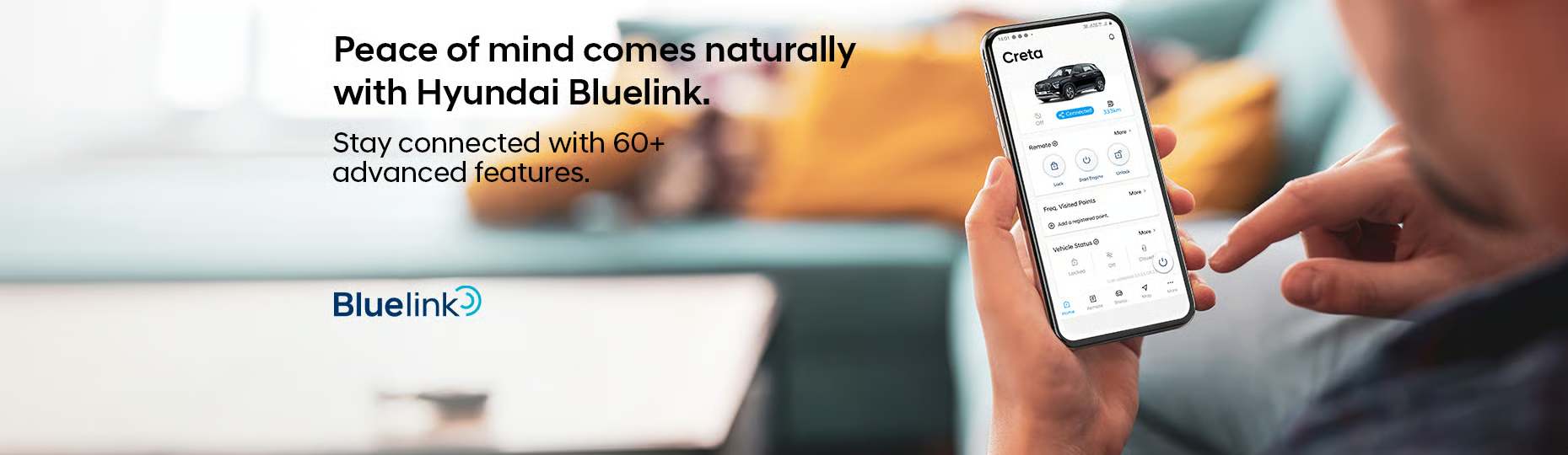
You can access Bluelink through your car's infotainment system or the mobile app. You can use two different methods to activate the system.
Follow the steps below to activate through the infotainment system:
- Turn on the vehicle, then go to Settings on the home screen and select Bluelink Settings.
- Select Service Activation and agree to the terms and privacy notice. You'll receive a notification that you have successfully activated Bluelink, and you can start enjoying the system.
If you want to activate Bluelink with the app, follow the steps below:
- Create a MyHyundai account if you don't already have one. To do that, go to owners.hyundaiusa.com and click "Create a MyHyundai account", then follow the on-screen instructions to complete the registration.
- Download the MyHyundai with Bluelink app from either the Apple App Store or Google Play Store and install it on your smartphone.
- Log in to the app with your MyHyundai account credentials.
- Start your vehicle and follow the in-vehicle activation steps.
- The infotainment system will display a QR code, which you must scan. You'll also need to enter a verification code to access all the Bluelink services.
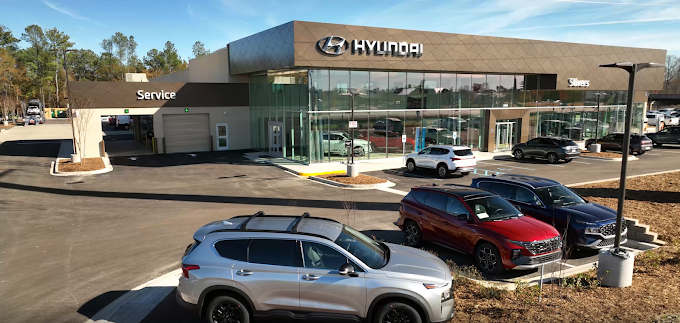
If you're unsure whether your vehicle comes with Bluelink or find it difficult to set up the system, our specialists at Stivers Hyundai can assist you.
Note that you must have a subscription to the Hyundai Assurance Blue Link Connected Care package to use the services on the Bluelink Mobile App. You'll also want to add the available Remote package for remote access features.
Use Remote Start To Warm Up or Cool Down Your Hyundai
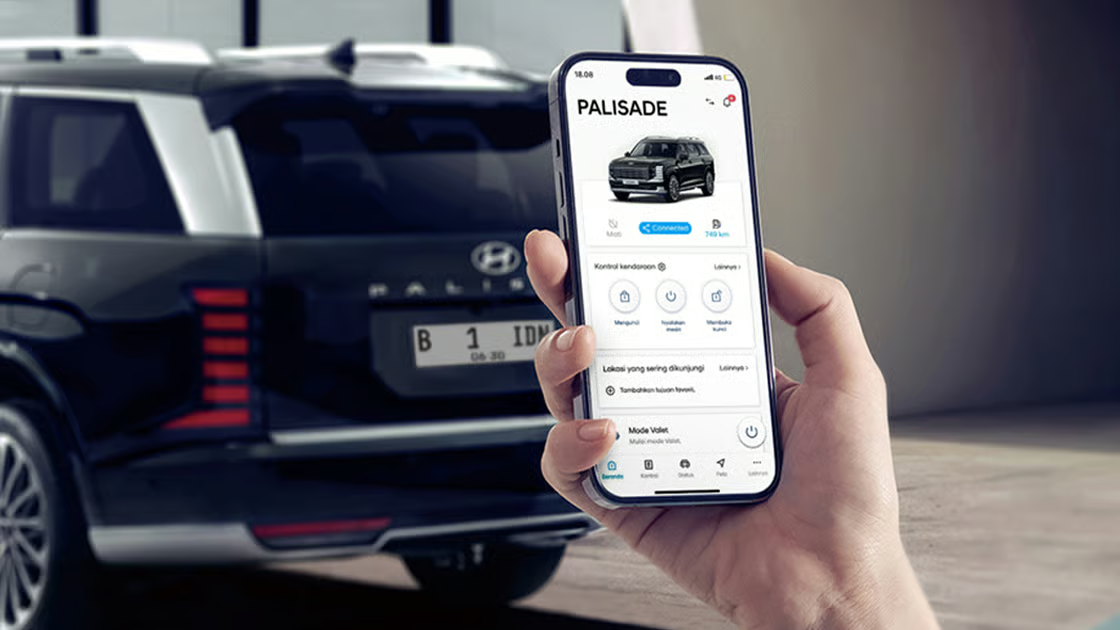
One of the most important Bluelink features is that it allows you to start your car remotely, so you can warm up your vehicle in the winter without having to be physically present or adjust the temperature before getting in and driving in the hot South Carolina summer.
Lock, Unlock, and Locate Your Vehicle from Anywhere
Another popular Bluelink feature is the ability to remotely lock and unlock your vehicle with a personal identification number, or PIN. The app can send a push notification to your smartphone if you leave your Hyundai unlocked. You can even control the windows from the app, ensuring that your car is always secure.
Bluelink offers a car finder feature that helps you track your vehicle using GPS and augmented reality technology to guide you to your car in crowded parking lots. The system can activate the horn and lights to make it even easier to locate your car.
How To Use Vehicle Diagnostics and Maintenance Alerts
Bluelink offers comprehensive vehicle diagnostics and maintenance alerts, accessible through the app or your vehicle's infotainment system. You can check these reports in the Vehicle Health or Maintenance sections of the Bluelink settings to see a summary of the health status of your car's critical systems, including the engine, tires, and brakes.
You can also run on-demand diagnostics to detect any underlying issues that may be affecting your Hyundai's performance or check for recommended services. Pressing the Service Link button on the rearview mirror sends the diagnostics information to your Hyundai dealership. If you choose Stivers Hyundai as your preferred dealership, you'll get fast and professional maintenance and repairs with original equipment manufacturer parts.
Access Real-Time Alerts With Bluelink Notifications
Bluelink provides real-time alerts regarding your vehicle's tire pressure, airbags, fuel level, and distance to empty. If you drive a Hyundai electric vehicle, BlueLink can display the battery level, available range, and charging status, allowing you to prepare properly before starting your trip. Connected Routing helps to calculate routes, providing real-time road and traffic data so you can take the fastest route to your destination, optimizing fuel efficiency and convenience.
Bluelink offers excellent safety features. It can send alerts to emergency services if your car is involved in an accident. The system also features Stolen Vehicle Recovery, which allows you to share your vehicle's location with law enforcement agents, enabling them to locate and recover it quickly.
Activate Hyundai Bluelink Today at Stivers Hyundai in Colombia
Hyundai Bluelink offers a wide range of connected services for stress-free ownership, including remote start and climate control, vehicle health reports, destination search, and remote navigation, as well as improved safety features. This system provides peace of mind and convenience. If you want to experience the superior level of control this system provides, contact Stivers Hyundai in Columbia today or call us at 803-788-6800 to activate Hyundai Bluelink and enjoy the next level of connected car services and reliable performance.
Images by OEM